Run Roblox natively on Linux
TuxBlox is a free, open source launcher and compatibility layer that runs Roblox on Linux. It is designed for both beginners and experts, has a friendly launcher, and is in active development.

Features
Works out of the box
Installation, updates and graphics setup are handled by the launcher. There are no launch options to supply or no prefix to maintain, TuxBlox handles everything for you.
Native performance
No virtual machine sits between Roblox and your hardware. Studio starts quickly, and the GPU is driven directly rather than through an emulation layer.
Full control
Every default the launcher applies can be overridden from its settings tab. Sensible behaviour out of the box, full control when you want it.
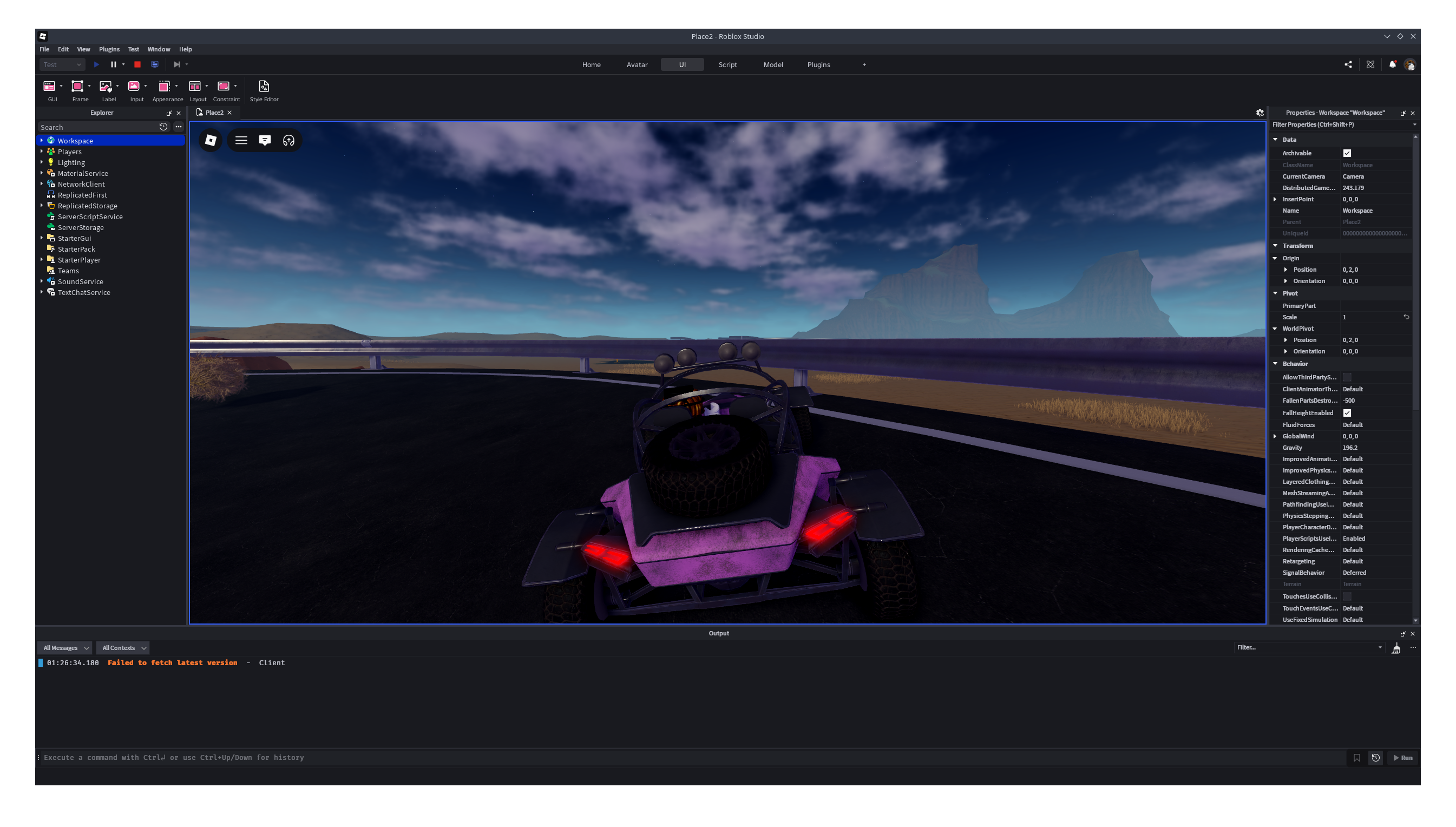
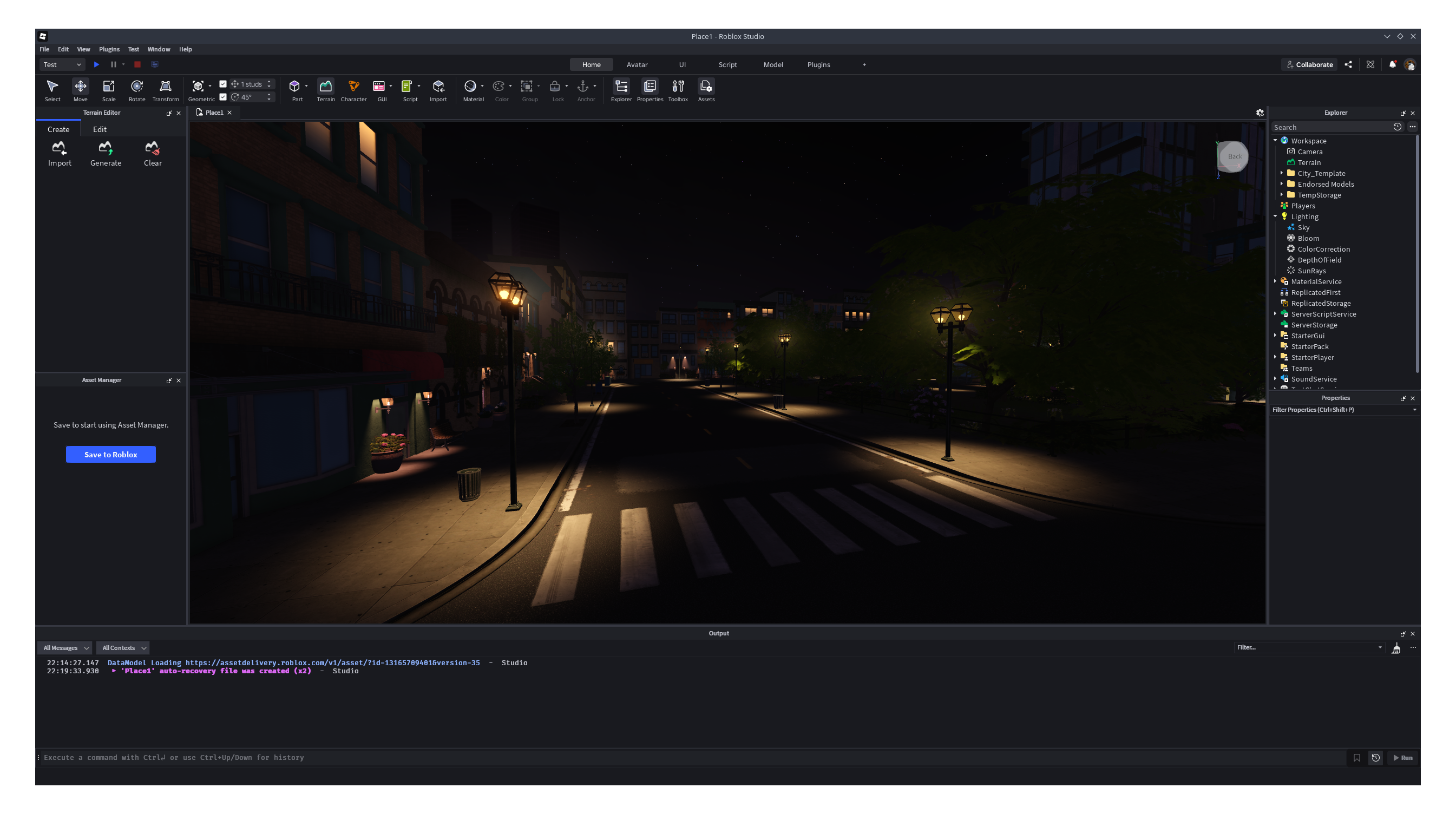
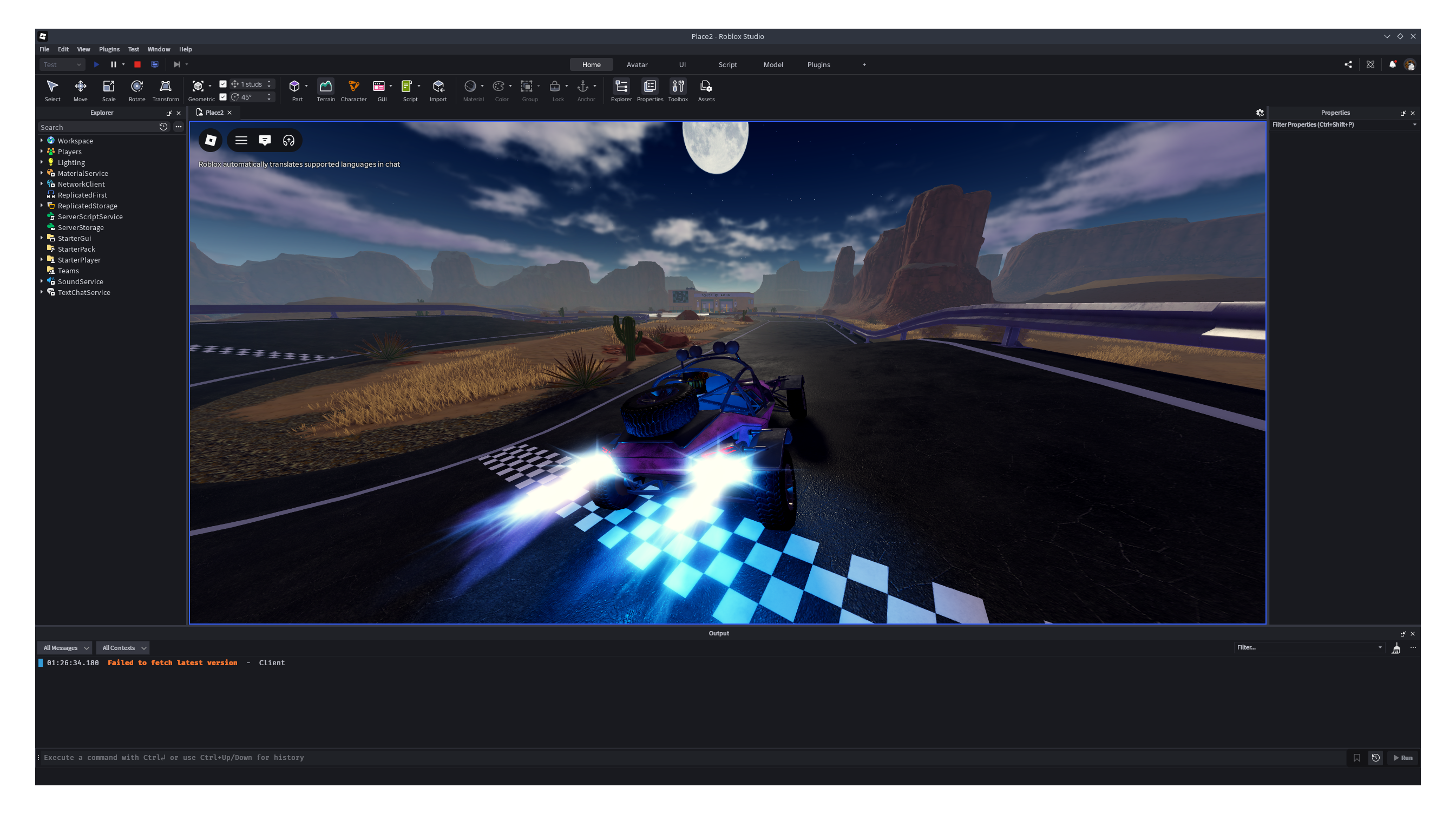
Screenshots of the real unmodified Roblox through TuxBlox
How it works
Roblox is distributed as Windows binaries only; there is no Linux build. TuxBlox is a compatibility layer and launcher capable of running those binaries on Linux. It loads and executes the official Roblox binaries unmodified, implementing the Windows API calls they make using their Linux equivalents.
Instead of simulating internal Windows logic like a virtual machine or an emulator, TuxBlox translates those calls as the process runs. This avoids the performance and memory penalties of those approaches, and leaves the Roblox installation byte for byte identical to the one Roblox publishes.
The compatibility layer is developed and maintained specifically for Roblox. Targeting a single application means defects can be fixed at the source rather than worked around through configuration, including cases that general purpose compatibility tools cannot reach.
Common questions
What are the requirements?
Most current Linux installations already satisfy these requirements.
- KernelLinux 6.7 or newer
- Processorx86-64 with SSE3
- Memory8 GB
- Disk space6 GB free
- NVIDIA graphicsProprietary driver 418.49.04 or newer
- AMD graphicsMesa 17.0 or newer
Will this get my account banned?
For Studio, probably not. Roblox has allowed the usage of Roblox Studio on Linux for a long while now, however Roblox may still take action on your account at any time.
For Player, account safety is not guaranteed. Roblox does not support Linux, and its anti-cheat may flag your account at any point if you use TuxBlox. Your account might be banned or terminated. Use it at your own risk.
Check our documentation for more information about this.
Which Roblox versions are supported?
Player support is experimental. Expect bugs and issues to regularly happen.
Studio is the alternative target and the most stable one. It should run correctly.
Does it require root?
No. TuxBlox installs and runs entirely as an unprivileged user. Root is not required at any point, and you will not be asked for a password.